

Student Help: Blackboard & Related Tools

No results found.



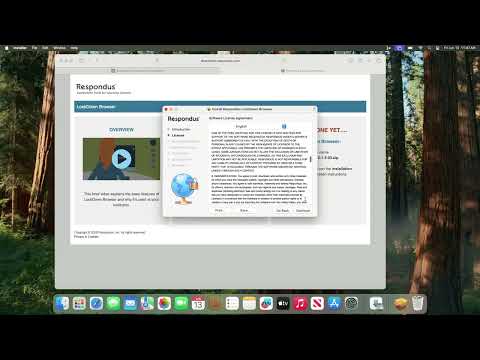

What Is LockDown Browser?
Respondus LockDown Browser is a secure browser required for some Blackboard exams. It prevents printing, copying, visiting other sites, or opening other apps during a test.
Windows & Mac
- Download: LockDown Browser for FVTC
- Follow the on-screen prompts to install.
- Close all programs, then open LockDown Browser.
- Log into Blackboard, navigate to your test, and click Begin.
iPad (iOS 11+)
- Open the App Store and search Respondus LockDown Browser.
- Download and open the app.
- First-time: search for Fox Valley Technical College (not "FVTC").
- Log into Blackboard, navigate to your test, and tap Begin.
Chromebook
- Visit the installation link on your Chromebook.
- You'll be taken to the Chrome Web Store — click Add to Chrome.
- Open Blackboard, navigate to your test, and click Begin.
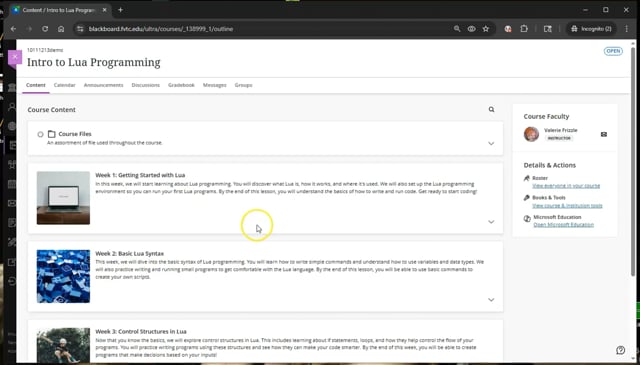
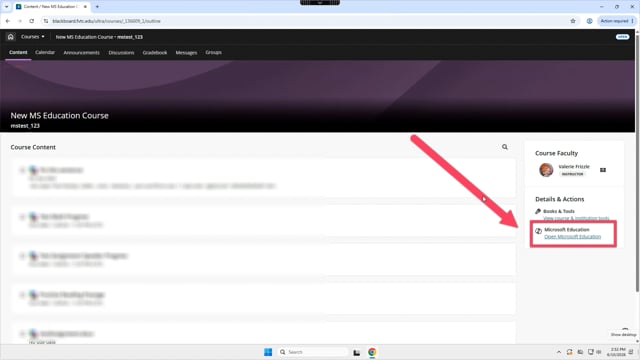
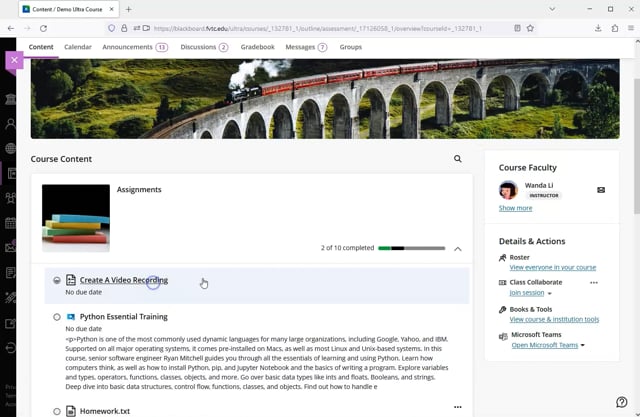
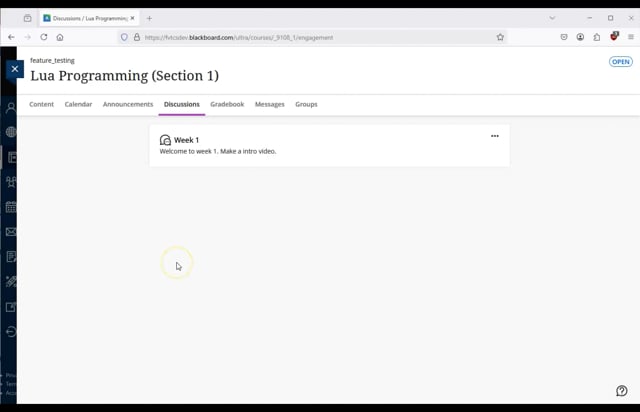

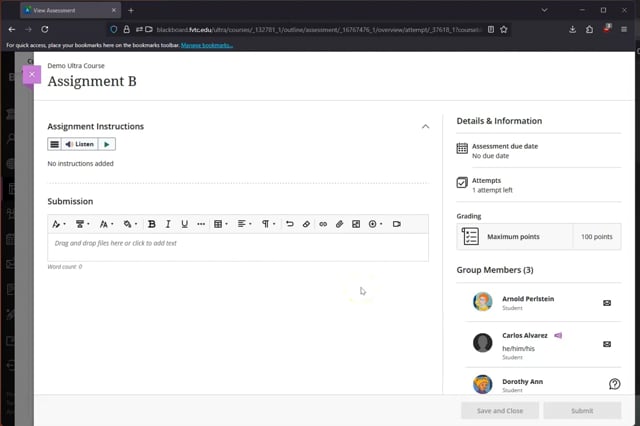
Blackboard Video Studio 30 minute limit
Built into Blackboard Ultra — no install needed. Best for webcam or screen recordings directly in Assignments and Discussions.
- 30 minute recording limit; 5 GB file size limit
- Records webcam or screen (not both at once)
- Ultra courses only
What Is Citrix?
Citrix Desktop is a virtual Windows computer that runs inside your own device, giving you access to FVTC software — like Microsoft Office and Visual Studio — without installing anything locally. Ideal for Chromebooks, iPads, or personal computers that don't meet software requirements.
Option 1 — Browser Access No install needed
The Light Version (HTML5) runs directly in your browser. Best for most students.
Get Started in BrowserOption 2 — Workspace App Better performance
Install the Citrix Workspace App for a richer experience:
Browse Full Video Playlists
Still Need Assistance?
Contact Blackboard Support at online@fvtc.edu or 920-735-4816.